Account security
API keys: blocking withdrawals does not block trading losses
At a glance
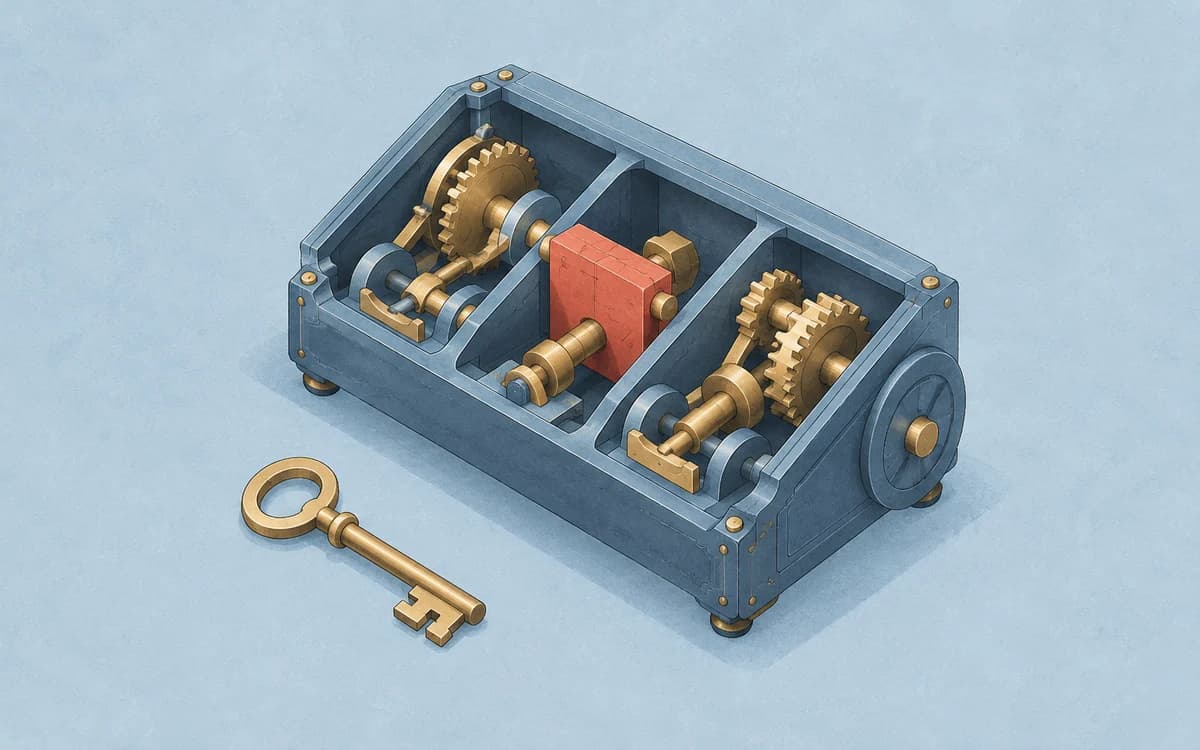
A key without withdrawal permission may still place trades if trading access is enabled. Those trades can lose money. Read-only access also exposes the account information it is allowed to retrieve. Review each permission and the account it covers; a disabled withdrawal switch is not a complete security assessment.
On this page
A portfolio tracker needs information; a trading bot may also need permission to act. Connecting either service with an API key gives software a route into the exchange account. The useful question is what this connection can do, not simply whether withdrawals are switched off.
This article concerns exchange-account API permissions. It is separate from token approvals in a self-custody wallet, and is not a recommendation to connect a bot.
Read the permission list, not one switch
Kraken's Spot API documentation separates balance and history queries, order placement, order cancellation and withdrawals. It also describes IP restrictions and key expiry. These are Kraken Spot examples, not a universal exchange settings menu.
Bybit's V5 API-key information reference separately reports read-only mode and permission categories including spot trading, contract trading, account transfers and withdrawals. Read the overall mode and the detailed scopes together. An internal transfer and an external withdrawal are not interchangeable labels.
Check the current official documentation for the precise service, account and product you use. Neither document establishes that an exchange or API feature is available to every reader or country.
Two fictional connections, the same withdrawal setting
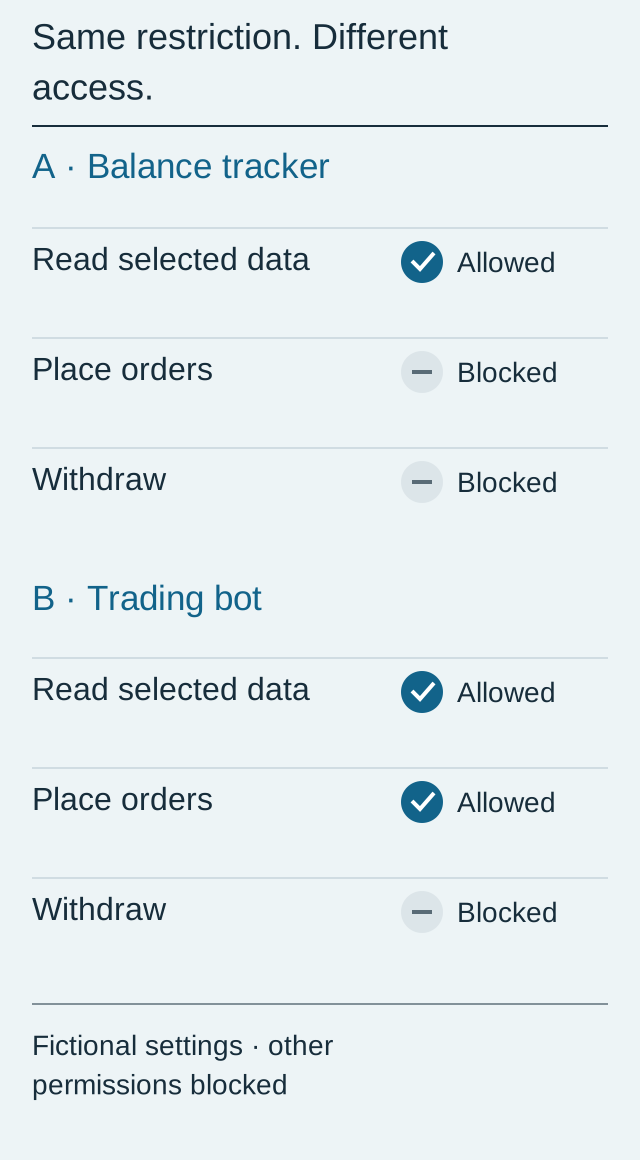
The following is a simplified permission review, not a screenshot or a tested configuration. “Read” means only the selected account data, not unrestricted access.
| Connection | Read selected data | Place orders | Withdraw | What still needs attention |
|---|---|---|---|---|
| Balance tracker | Allowed | Blocked | Blocked | Who receives balances and any permitted history |
| Spot trading bot | Allowed | Allowed | Blocked | Data exposure and losses from permitted trades |
In this example, account transfers and all other permissions are blocked. Real services may request additional scopes; require a purpose for each one. A tracker that only displays balances should not need permission to buy or sell them.
A loss without any withdrawal
Assume a fictional spot account starts with 1,000 USDT and no tokens. A bot buys 10 tokens at 100 USDT each, then sells all 10 at 96 USDT each. Both orders fill in full at the stated prices. Ignore fees and other costs for this illustration.
| Step | Calculation | USDT balance |
|---|---|---|
| Start | Given assumption | 1,000 |
| Buy | 10 × 100 = 1,000 spent | 0 |
| Sell | 10 × 96 = 960 received | 960 |
No withdrawal occurred, yet the account lost 40 USDT: 1,000 − 960 = 40. This arithmetic is an illustration of trading risk, not an attack demonstration, forecast or bot performance record. Real costs would need separate accounting; see reconciling realized profit and fees.
Keep a connection record without copying the secret
Before connecting a service, write down its name, purpose, covered account, necessary permissions, review date and where the key can be revoked. Keep the key value, secret and QR code out of that checklist.
Kraken's API security guidance recommends minimal permissions, secure credential storage and deletion of unused keys. Read-only access still deserves care: permitted balances and trading records are financial information.
Where supported, review IP restrictions and expiry as additional controls; neither changes an overbroad permission into a suitable one. When ending a connection, review or revoke its key in the exchange's official settings. Separately inspect outstanding orders and positions: do not assume deleting a key cancels orders or reverses executed trades. This article has not verified each platform's post-revocation order behavior.
Start with our exchange account security guide for login protection. If access looks unfamiliar, use the exchange's official security support. Never send CoinFom an API key or secret.
Editorial note: CoinFom prepared the comparison and arithmetic with AI-assisted research, writing, translation and review. Sources checked October 14, 2026. No key was created, service connected or trade executed. Educational information, not investment advice. CoinFom may earn referral commissions elsewhere; this article contains no signup link. See About, editorial policy and corrections.